
By David Voit – WB6TOU
There’s one thing even more exciting than watching a balloon slowly rise out of sight on its way to 42,000 feet … and that’s tracking its location as it circles the globe.
Hanging about 17 ft. below the balloon is a miniaturized, solar powered transmitter. People around the earth listen for these signals and log reports. These reports are used to generate maps of a balloon’s position.
If you have a balloon’s callsign, here are three ways to know where any particular amateur radio balloon is currently located.
APRS.fi
APRS.fi is a popular place to look. It’s easy to use, but relies on actual tracking sites and software updates that are not always current.
If you are searching for a particular balloon on aprs.fi, put its call sign in the “Track callsign” box and press “Search”.
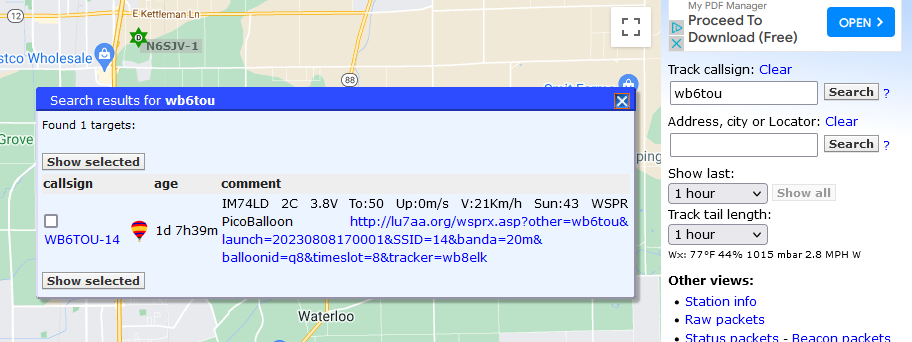
Notice that a box pops up and lists the callsign with an extension. Click it to generate a location map.
LU7AA.org
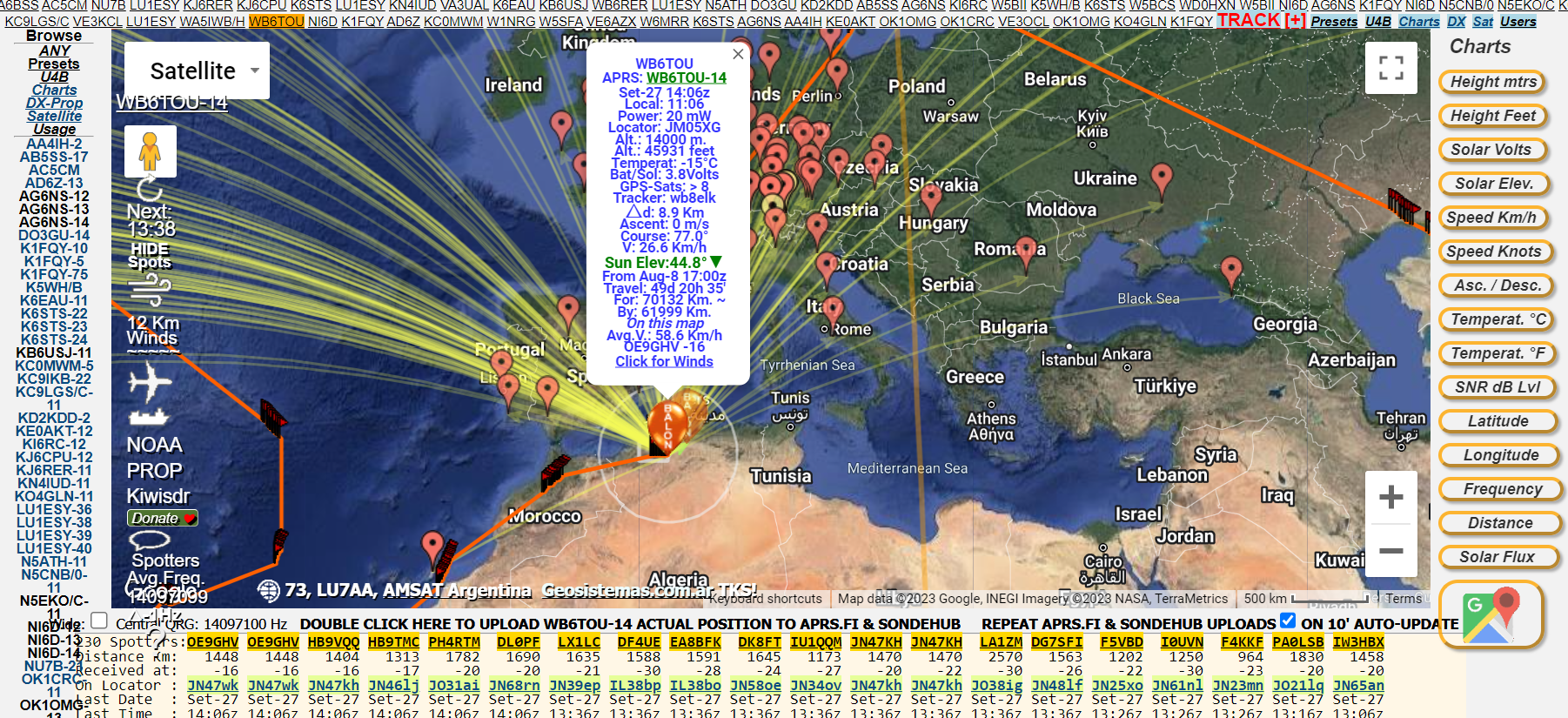
LU7AA.org is run by amateur radio operators in Argentina. Enter http://lu7aa.org/wsprx.asp in your browser and you will see this:

Select the balloon you want to see by entering its callsign and click “OK”. Give the site a little time to load. If there are only one or two receptions, it might not map it correctly. At the time of this writing, it produced the following for WB6TOU.
Traquito/Github
The third site is Traquito/Github. It is a tracking system focused on the use of beacons sold by QRP-Labs, such as the U4B. Unlike the other tracking systems, you will need to know the balloon’s designated “channel number”. For demonstration purposes, balloon callsign KB6USJ has (had) a channel number of 515.
Step 1.
Go to https://traquito.github.io/ and select “Spot Search”.

Step 2.
Enter the Callsign, Channel Number, click Search and wait a bit. The result is a map and graphs of telemetry from the balloon.


Step 3. (Optional)
All of this data goes through wsprnet.org. You may go there for more information, although it only shows locations, not paths. Also, if there are only one or two recorded beacon transmissions, the balloon may not display on the tracking websites listed above, but will likely be here. You can also download the raw data if you are interested. After logging in, just enter the callsign and band, set the time window at the bottom and click Update.
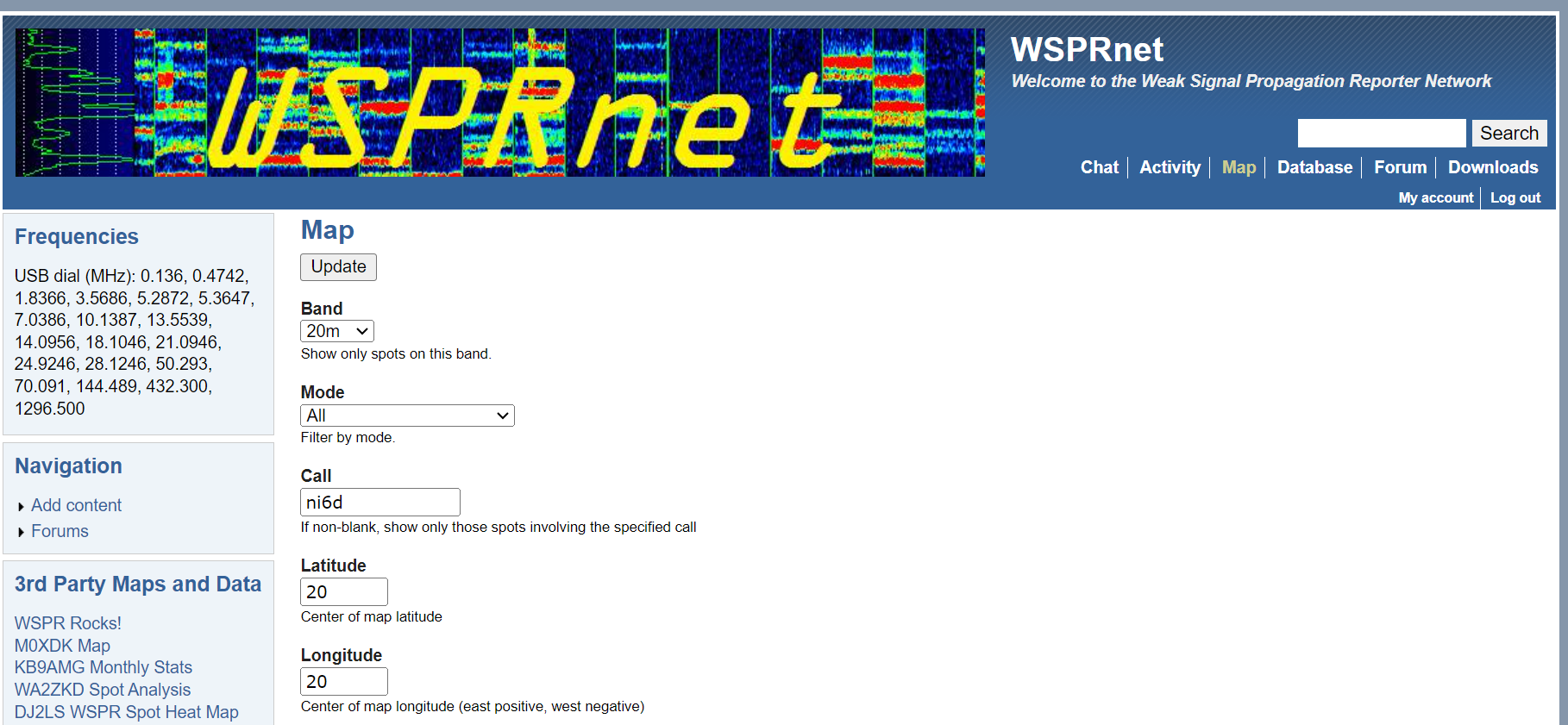
If the balloon has been heard, you will see this:

Good tracking!
Note: If you’d like to learn more about this aspect of Amatuer Radio, contact David at dvoit1944@gmail.com
Discover more from Lodi Amateur Radio Club
Subscribe to get the latest posts sent to your email.

 Lodi Amateur Radio Club